
Eval Crusher feature
The Trend Filter: Trade With the Trend, and Know When to Turn It Off
November 5, 2026 · 4 min read · Hobe Sound Trading
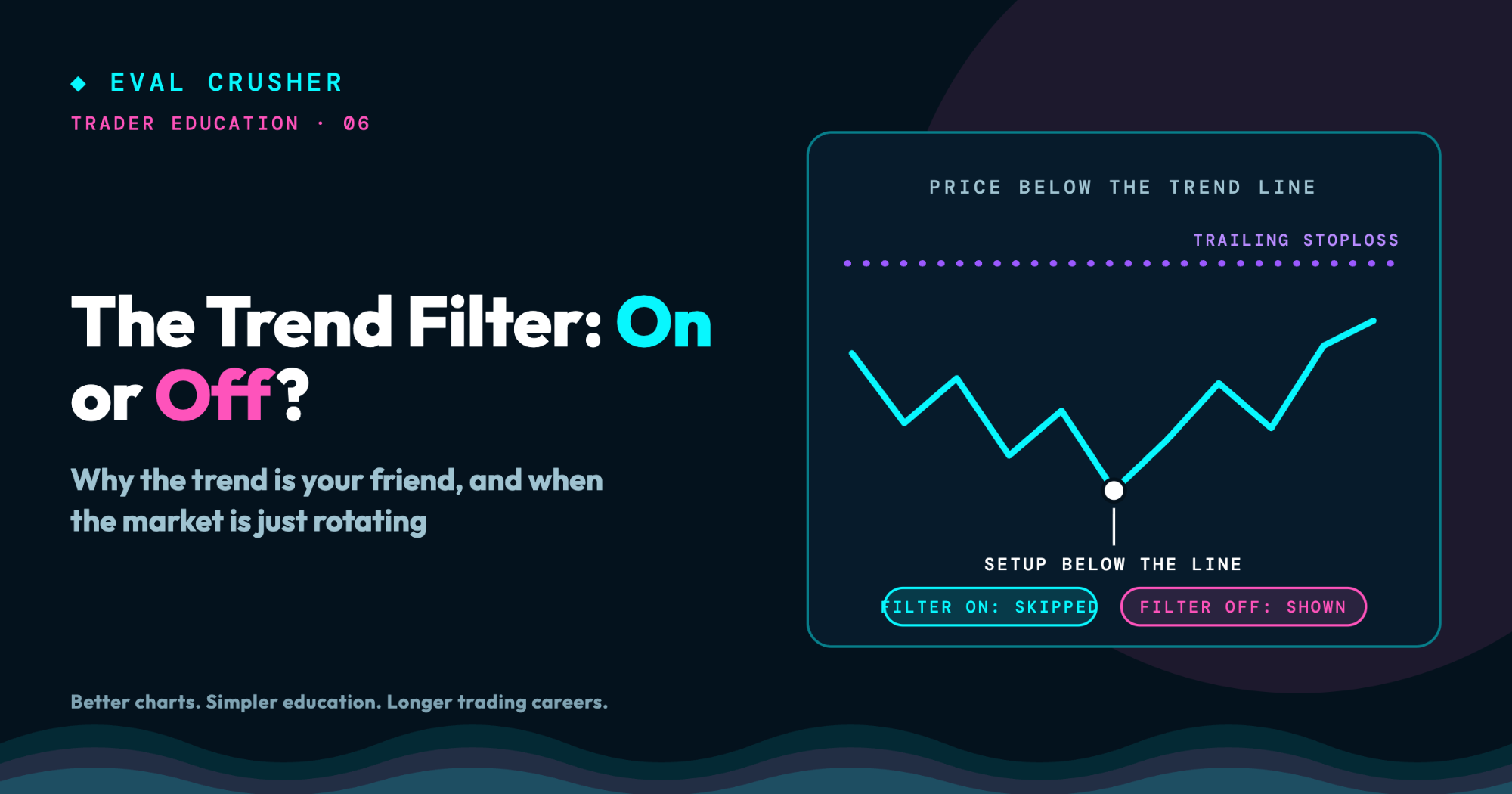
You’ve heard it a hundred times: the trend is your friend. The Trend Alignment filter is that idea built into Eval Crusher.
What the filter does
Eval Crusher draws a purple dotted line on your chart called the Trailing Stoploss. It marks which side of the trend price is on.
- Price above the line means the trend is bullish.
- Price below the line means the trend is bearish.
With Require Trend Alignment on, Long setups only appear while price is above that line. Short setups only appear while price is below it. Anything that goes against the trend is filtered out before it reaches your chart.
Why it’s on by default
Trading with the trend is usually the smoother ride. When price is moving one way, setups in that direction have room to run. Setups against the trend are trying to turn the whole market around, and that’s a harder job. The filter keeps you from fighting the current, which is a big part of why newer traders do better with it on.
When the filter gets in the way: rotation
Not every market trends. Sometimes price just rotates, bouncing up and down inside an area without committing to a direction. In a rotation, the trend line often lags behind what price is doing right now, so the filter can hide setups that are playing out in front of you.
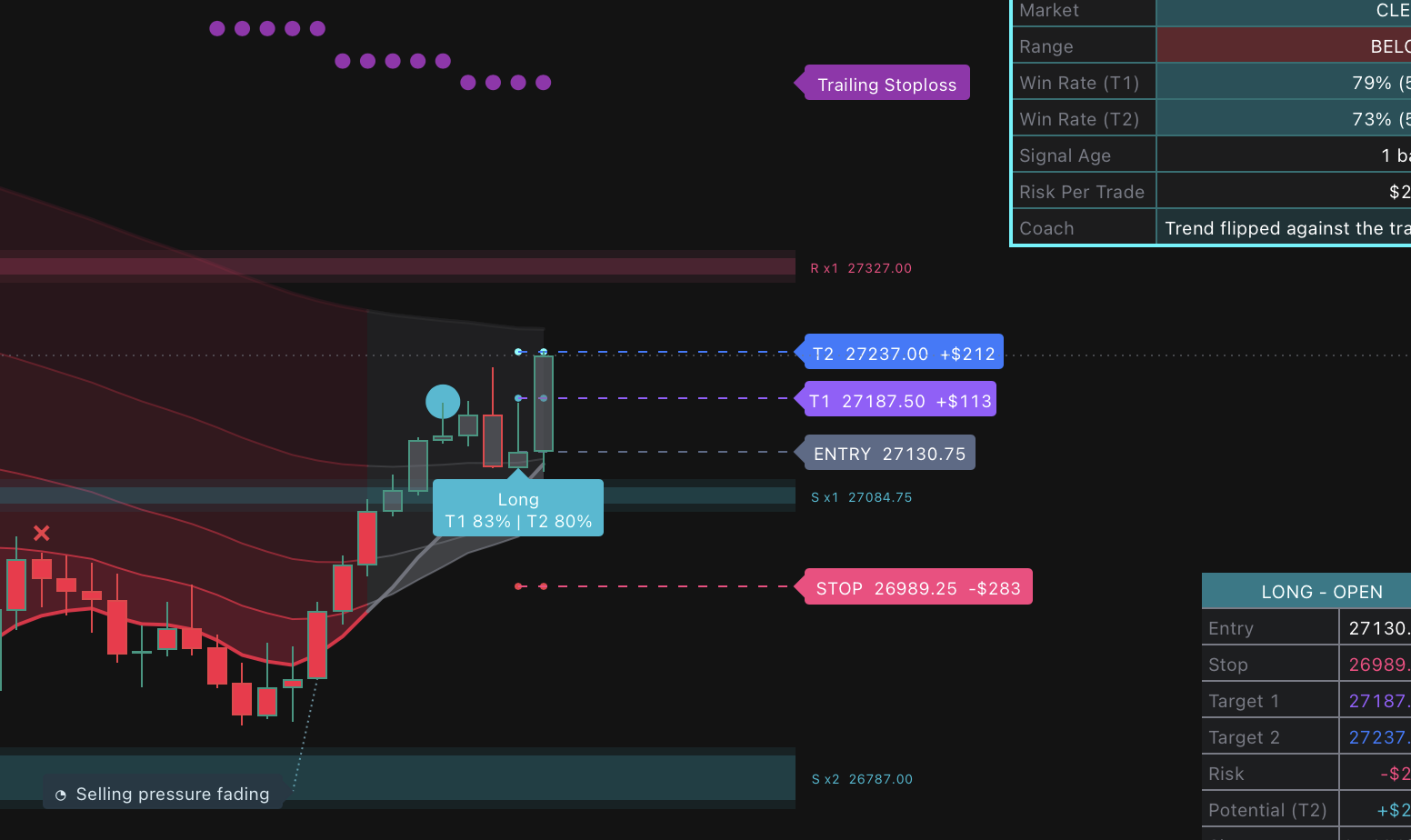
Look at the example chart. Price had dropped and was sitting below the Trailing Stoploss, so the dashboard read bearish and the Range showed BELOW. Then price started rotating back up. With the filter on, that Long setup would never have printed, because price was on the wrong side of the line. With the filter off, it did, and price moved up through the entry toward the targets.
How to spot a rotation
- Price keeps crossing back and forth over the same area.
- The dashboard says CHOPPY, or the trend flips back and forth.
- Candles have long wicks in both directions and no clean follow-through.
- Price is bouncing between two levels, like the range high and range low.
If you see those signs, turning the filter off lets you see setups on both sides of the line.
The trade-off
Turning it off isn’t free. You’ll see more setups, including ones against the larger trend. That’s useful in a rotation and risky in a strong trend. This example is one chart, not a rule, and past setups don’t predict future ones.
A simple way to use it
- Start every day with the filter on.
- If the market looks like it’s rotating, consider turning it off.
- When price starts trending again, turn it back on.
The filter doesn’t tell you what to do. It decides which setups you get to see, and you decide what to do with them.
Trading futures involves substantial risk of loss and is not suitable for every investor. This is education, not financial advice.
See it on your own chart.
Eval Crusher puts the range, the market read and plain-English coach notes right on your TradingView chart.
EXPLORE EVAL CRUSHER